

No more suffering with heavy math exercises. Solve math problems in a simple way with an application that shows you step by step to solve the problem. That is, a very didactic application, which, although it solves the problem for you, teaches you how to solve it next time.
Most likely you have already suffered, and a lot to solve a math problem, the reasons are the most diverse. Couldn't pay attention in class on the day, missed it, or has specific difficulties with that content... Can't keep up with distance learning classes. Your problems, or part of them, will be solved now!
Content Index
Solve Math Exercises with Mobile?
No, I'm not talking about just picking up the cell phone calculator and doing the math. I'm referring to doing complex math, i.e. quadratic equations, logarithms, derivatives, integrals, etc. And without even having to type, that's because, to solve the bills, just scan with the camera!
While there is a way to do this with native elements of the device, for example Google Lens for Android, they are limited to simple exercises. But in the app store we have excellent options, and that's what we'll talk about next.
Best Apps That Solve Math Problems With Camera
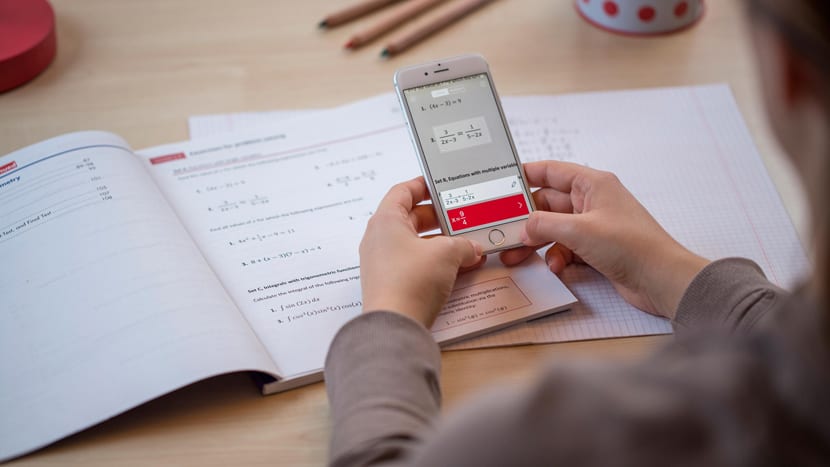
Who hasn't dreamed of simply picking up their cell phone, taking a picture of the problem they want to solve and the answer appearing in front of them? Well, this is possible, and the best, without relying on internet searches, depending on whether someone has already needed, solved and posted the resolution. Check out the best apps with this function below:
Microsoft Math solver
The giant Microsoft also has an app to call its own for this purpose, which may come as a surprise to many. Or not if you are a user of the Edge browser, after all it has this function too, but more limited and discreet.
The application is completely free, 100%, no subscription plans that grant some benefit or another. O feedback of users is very positive, reporting complex and basic problem solving. An extremely strong point in the application is that it is very didactic, whenever an exercise is answered using it, all the very detailed step by step is presented.
Below is the link to download Microsoft Math Solver for Android:
Symbolab

Counting on both an application and a website, that is, if you don't have a cell phone with spare space, just use the website. It is one of the most complete, with just one scan, the application is capable of bringing the complete resolution of your problem in a second.
And the best thing is, it also brings the step by step of how the application reached this conclusion, detailing process names, etc. Which is excellent, because it is enough to take the name of the parts that have difficulty and search for them separately.
There is also an option in the application to make a subscription, which allows the user to better detail the resolutions and 0 (zero) ads. But the application is free, and it solves the most diverse mathematical problems, although with the limitation of not detailing the step by step in depth.
Below I will leave the link to download Symbolab for Android and iOS in the app stores:
photomath
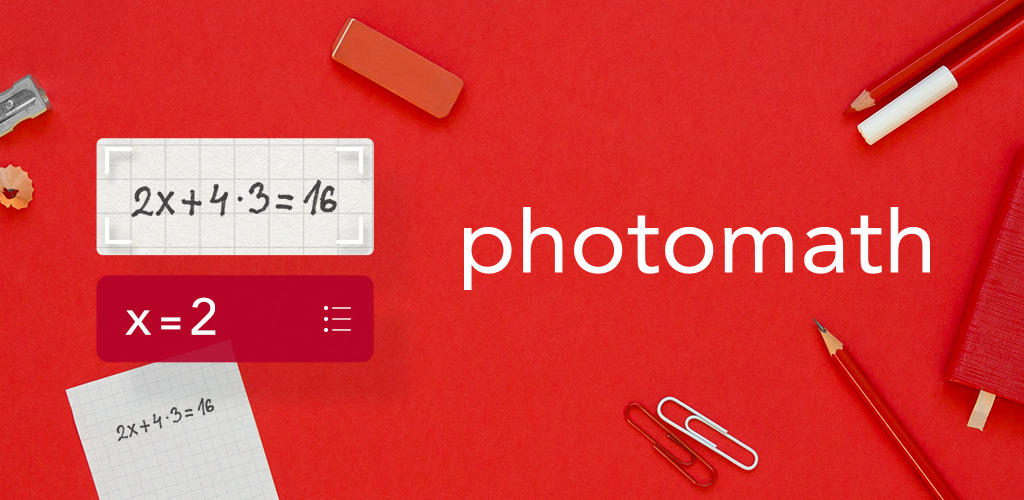
Finally, one of the best-known applications for this purpose, Photomath. Unfortunately, unlike the others, Photomath does not have a web version, its website is entirely dedicated to presenting the product, and the links to download the application.
With a simple and very intuitive interface, the application is complete, and will surely meet your needs. The application is also free, but it has a subscription alternative, called Photomath Plus, to help students learn.
Below is the link to download Photomath for both Android and iOS.
But these are not the only applications for this purpose available for smartphones, for example Mathway is also a calculator that solves math exercises by scanning them with the cell phone camera. But they all have the same premise and are very similar, so just download and see the one that best suits you and pleases you.
How are calculations done?
The applications work by scanning math accounts through the camera of the cell phone, either on a display (monitor, tablets, cell phone, tv, etc.), or on a piece of paper, printed or handwritten. With the problem digitized, the application will automatically identify which operation it is, consult its database and present the resolution with the step by step until reaching this answer.
Use for Didactic purposes!
While it may seem very tempting to just pick up the app, work through all the assignments and exams, don't fall for it! Neglecting trial and error, and the opportunity to learn how to solve that problem, can end up being very serious in the long run.
Therefore, use the app sparingly in specific cases. For example, to validate a result, you tried to answer and seek to know if it is right or wrong. Ask questions! not always a teacher can help a student, after all, many times the student cannot express himself well, and does not end up being understood. With the step-by-step detailing of the application, this becomes an excellent tool for the student to focus on the parts that are having difficulty, as well as learning the names of the processes.
Anyway, thanks for reading this far, I hope it met your needs! Thank you very much, and share it with your friends so that they too can stay on top of this powerful tool to solve math exercises with a simple cell phone camera.
Read too:

