

If you are also from the group of people who expect a game to be free to try, or even just play because you can't buy it. Well, Rocket League can now be played for free! That's right, now you can play rocket totally free at epic games. So, do you want to know all the details about the game? Well, follow us until the end of the post and you will probably leave here to be able to play Rocket League.
- Check out how Chris' girlfriends are doing today.
- Attack on Titan: Final Season in December
- Cyberpunk 2077 System Requirements, Trailer and More!
Rocket League for FREE!
After Rocket League finally got free for all platforms! The Epic Games Store has a new promotion for PC users. Anyone who redeems the game on the platform by October 23rd will receive a R$ 40 coupon for future purchases on the platform.
However, only one coupon is allowed per account, which is non-transferable and applied directly to the next purchase made by the player. The discount generated by the coupon will be valid until November 1st and will only work for purchases over R$ 59.99.
How to download the game?
However, don't forget that the tutorial below shows you how to download Rocket League official for free on computers. But, if you want to download the game in video games, just access its page on PlayStation Store or in Microsoft Store to add it to your library. In the case of video games, it is worth noting, it is necessary to have a subscription to PlaySation Plus or Xbox Live Gold to be able to play online.
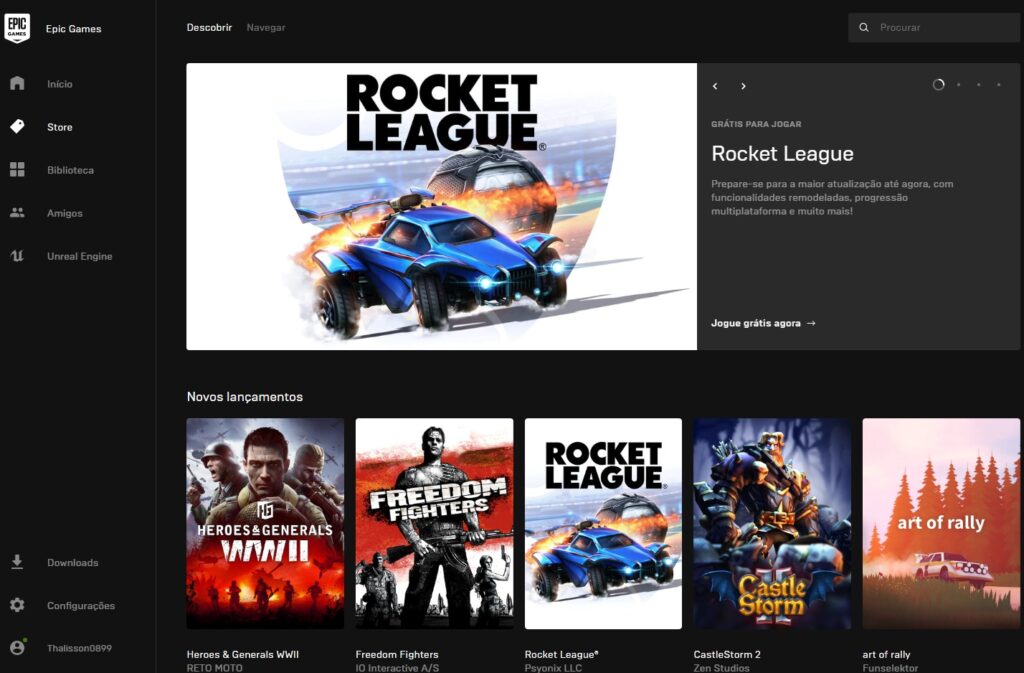
1 – Go to the Epic Games homepage and click on one of the highlights of the game. Or, if you prefer, head over to the Rocket League page on Epic Games for this link;
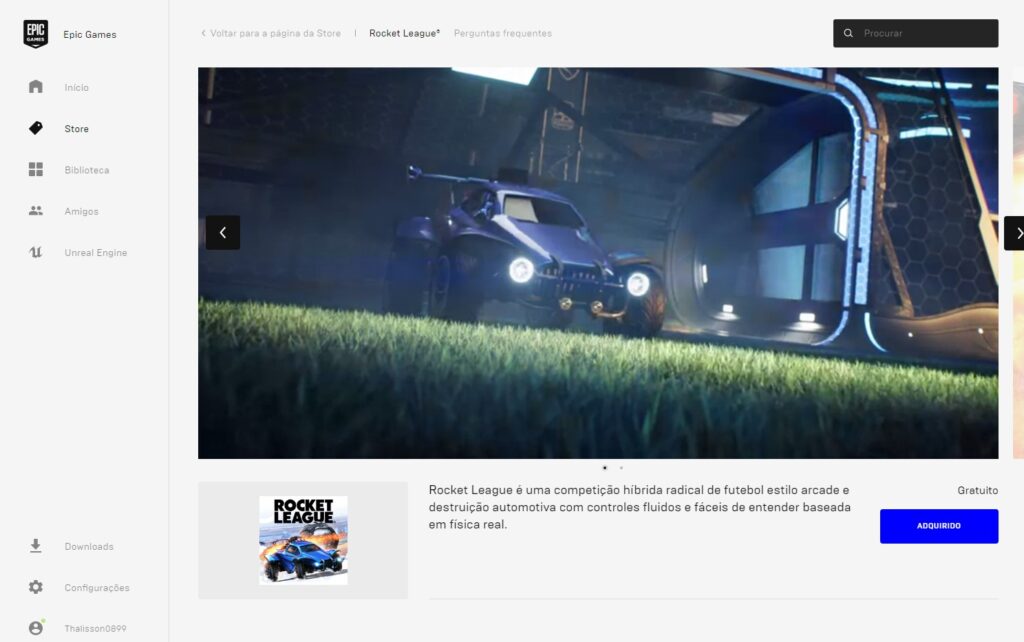
2 – Next to the game description, click on “Get”;
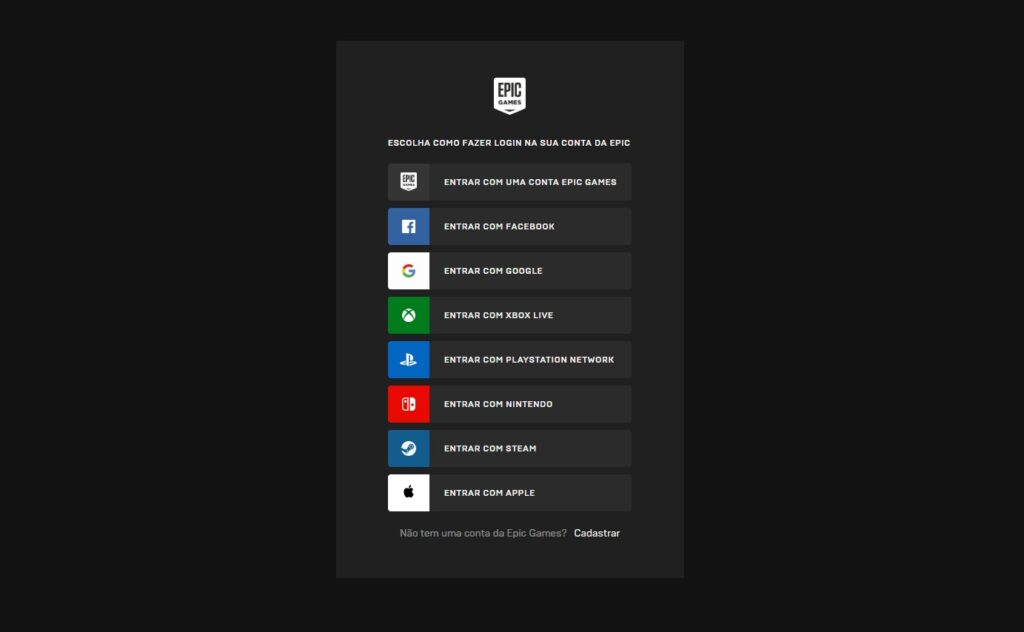
3 – Log in with your Epic Games account. If not, create a new one;
4 – On the new page, click on “Get”;
5 – Wait for confirmation that the game is in your account and, if you don't have it, take the opportunity to download the Epic Games client;
6 – Open the Epic Games client and log into your account. Then, under “Library”, look for Rocket League to download it.
Anyway, what do you think? Easy, isn't it? But, you won't let this opportunity pass, are you? After all, such a great game, and for free! It's even better. Don't forget to leave your opinion about the game and tell us what you think about it.

