

6: Google Opinion Rewards

This is an opinion app, let's say that a person has opened a food company and would like to know which one is preferred by the public. The owner of this company comes to this app and asks some questions like, do you prefer Hamburger or Lasagna, Coxinha or Enroladinho and etc…
But how will I be able to accumulate balance in this app and use it on Free Fire or any other game? The company that would like to know a certain opinion will pay for people to answer the poll, do you understand how it works? You will arrive in this application, give your opinion on several polls that will appear and so you will be paid.
If you liked this app and are already thinking about using this App to get an extra balance, I would teach you how to use it now. First you will have to download it and once you have downloaded it create a login for you, I will leave the download link below.
After you have finished creating your login, most likely you will come across a screen like the one in the image below.
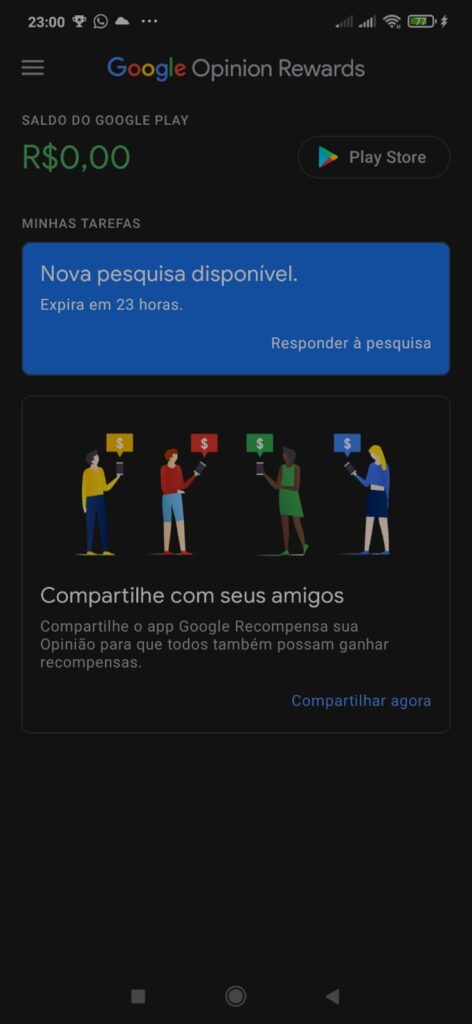
As you can see, there is an option where it shows your balance and another asking you to answer a survey, I recommend that you answer. By answering this first questionnaire, you will most likely not be paid, but it will be essential for the next ones to come.
How do I redeem my accumulated Google Rewards balance?
Anyway, after answering many questions and accumulating a lot of balance, it's time to redeem it, I'll get into this subject now, check it out.
There are two options for IOS devices and only one for Android, what are these options? On IOS it can be transformed into a GiftCard or transferred to PayPal, on Android you will only have the GiftCard option.

